Every battle you play is saved for you
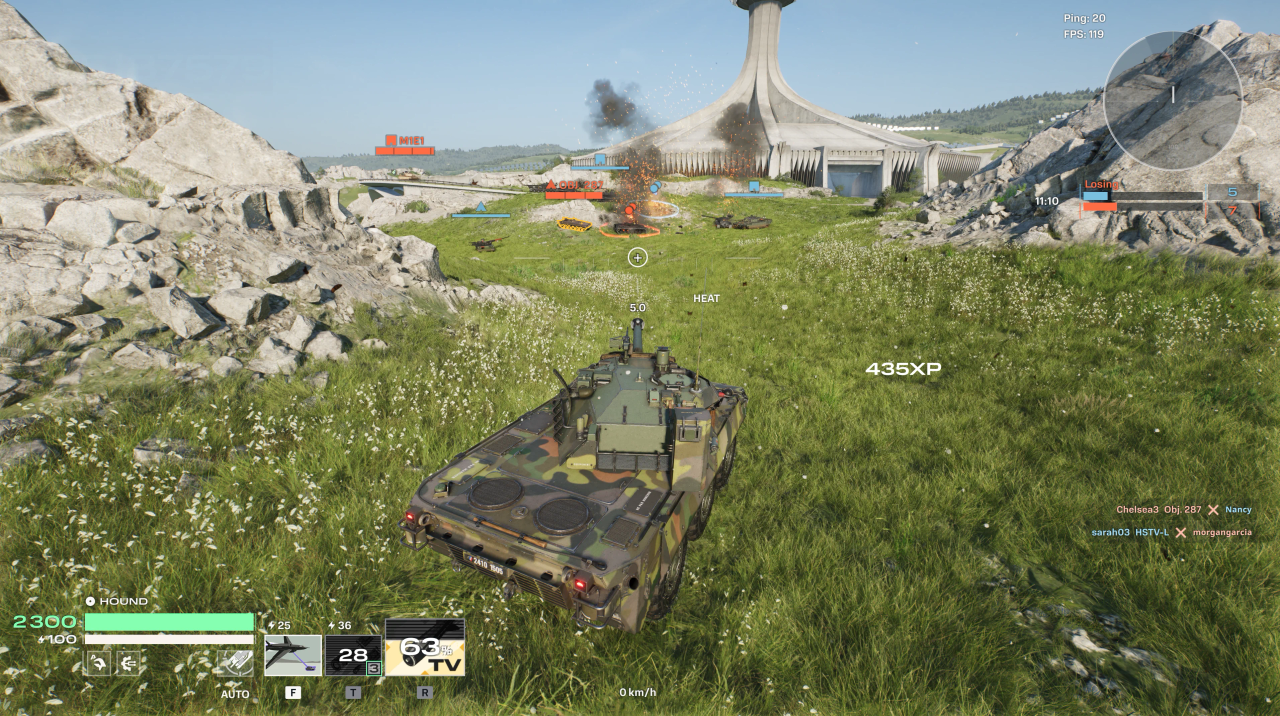
Every time you play HEAT, the game automatically saves a replay of your battle to your PC, a full recording you can watch back later, with nothing to set up. That's what this contest is built on: play a HEAT battle you're proud of and the replay is already waiting, ready to enter.
The contest: send us the battles you're proudest of
We're running the
HEAT Replay Rally. There's one category: your
best overall battle.
We'll rank entries by the
total XP you earned in a single match. XP rewards your whole game, your damage, your spotting, and the objectives you played for, so a strong all-round battle beats one lucky shot.
Playing on console? Replays aren't saved on console yet, so you enter a slightly different way, by sending us a recording of your battle instead of a replay file. See
How to participate on consoles below.
Prizes
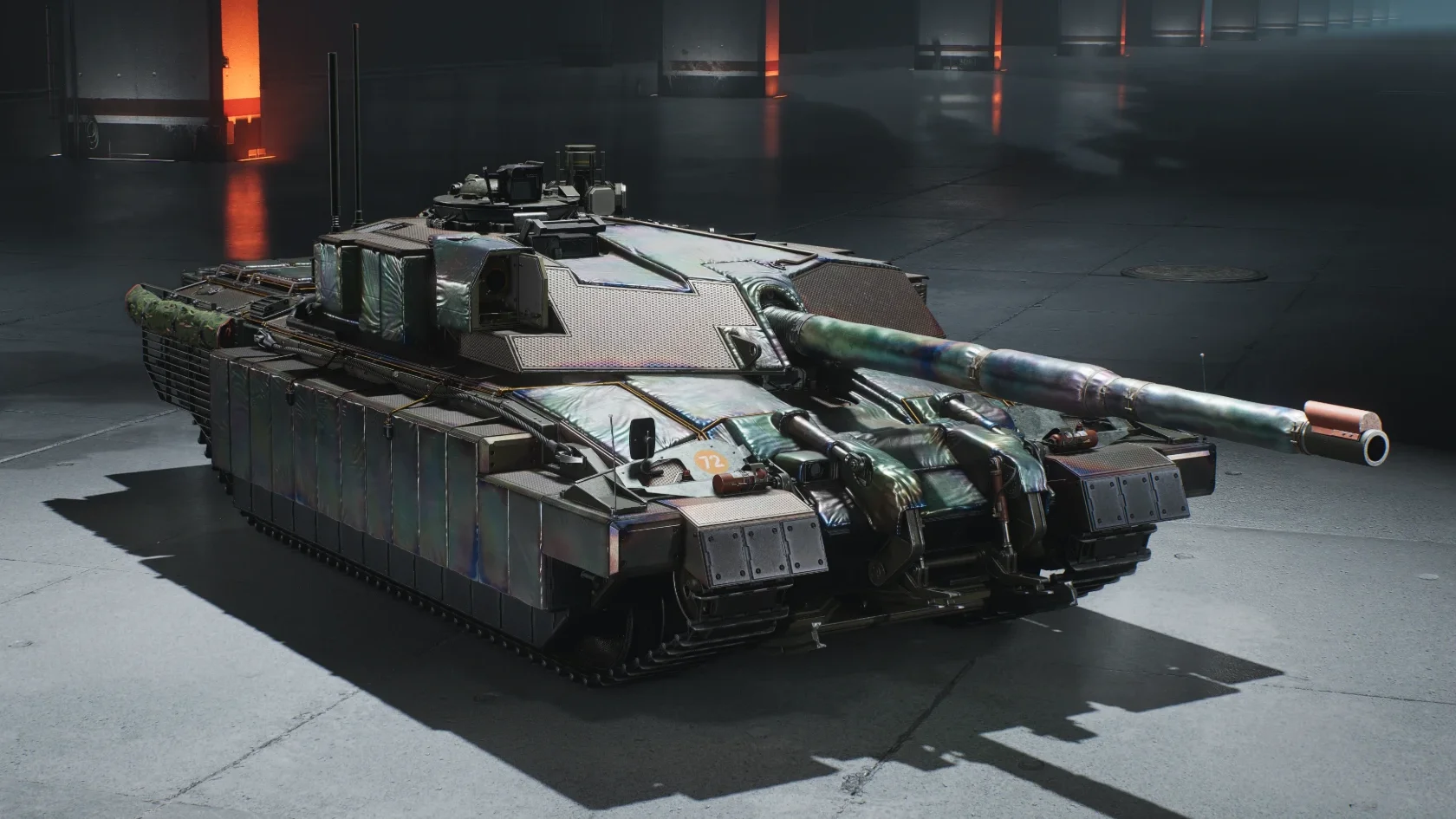
- 🥇 1st place — 2,500 HEAT Coins + Heat Shield 3D camo for the FV4030 X + Booster Pack
- 🥈 2nd place — 1,500 HEAT Coins + Booster Pack
- 🥉 3rd place — 1,000 HEAT Coins + Booster Pack
 1st place: the Heat Shield 3D camo for the FV4030 XTimeline
| Milestone | Date & time (UTC) |
|---|
| Submissions open | September 30, 2026, at 12:00 UTC |
| Submissions close | October 7, 2026, at 12:00 UTC |
| Winners announced | October 12, 2026 |
The battle you submit needs to have taken place during the contest period above.
How to participate on PC
What to send us
Every entry needs three things:
- Your replay file: the .replay file for the battle. (How to find it is below.)
- A screenshot of your battle result screen: the one showing the XP you earned.
- A screenshot of the team scoreboard: the full end-of-battle score screen, both teams.
Taking your screenshots
You can only pull up your most recent battle from the garage, so take both screenshots right after the match ends, before you jump into the next one. (On PC, press
Win + Shift + S to snip part of the screen, or
Print Screen to grab the whole thing.)
How to find your replay file
HEAT keeps your replays in a folder on your PC:
- Open File Explorer (Win + E) and click the address bar at the top.
- Paste this path into the address bar and press Enter:
%LOCALAPPDATA%\.broengine\coldwar\replays - Sort the folder by date so your most recent battles are at the top. Each .replay file is one battle.
Grab the file for the battle you want. That file, plus your two screenshots, is everything you need to enter.
Note: HEAT keeps only your
ten most recent replays, and the oldest is deleted automatically as you keep playing. So if a battle is contest-worthy, copy it somewhere safe (your desktop is fine) before it rotates out.
How to submit
Post your entry as a single message in
#heat-replay-contest on our Discord: your replay file and both screenshots, together in one post.
Want to chat about your battle or ask others to watch it, or have a question about the contest? That's what
#replay-chat is for.
Watching your replay back (optional)
You don't need to watch your replay to enter. Your file and screenshots are all we need. But if you want to see a battle again, you can! Replays in HEAT started as a development and debugging feature, so there's no in-game replay browser yet, and opening one manually means a fiddly command-line launch. We're working on turning replays into something properly built for players.
For now, the HEAT Replay Player below makes opening one a lot easier.
The HEAT Replay Player (optional, experimental)
The
HEAT Replay Player is a small Windows script that finds your HEAT install and your replays for you. It lists your recent battles with their map, mode, and date, shows which ones your current game version can play, and starts the one you pick.
It's optional and still experimental, and you don't need it to enter the contest. If you'd like an easy way to watch your replays:
- Download the zip file below.
- Unzip it.
- Double-click HEAT-Replay-Player.bat to run it, then type the number of the battle you want to watch and press Enter.
Download the HEAT Replay Player (.zip)Windows may ask you to confirm before it runs, because the file came from the internet. Only use the copy linked here. It only reads your replays and starts HEAT's own replay playback. It doesn't change, upload, or share anything.
How to participate on consoles
Playing on PlayStation or Xbox? Replays aren't saved on console yet, so you take part a slightly different way: record your battle and send us the video instead of a replay file. Everything else, the prizes, the dates and the rules, stays exactly the same.
What to send us
Every console entry needs three things:
- A recording of your battle: a video of the match you're entering, shared as a link. (How to record and share it is below.)
- A screenshot of your battle result screen: the one showing the XP you earned.
- A screenshot of the team scoreboard: the full end-of-battle score screen, both teams.
Recording your battle
Your console can do this on its own, no extra apps needed. Start recording as the battle begins so the whole match is captured, right through to the result screen at the end.
- PlayStation 5: press the Create button on your controller and start a recording.
- Xbox Series X and S: press the Share button on your controller to capture your gameplay.
Sharing your recording
Video files are big, so don't send us the file itself. Upload it somewhere and send us a link instead:
- The easiest free option is YouTube: upload your video and set it to Unlisted. Anyone with the link can watch it, but it won't show up in search. Then copy the link.
- You can also use the PlayStation App or Xbox app on your phone to save your clip and share it from there.
Whatever you choose, please check the link opens for someone who isn't signed in as you before you send it.
Taking your screenshots
Grab both screenshots from your most recent battle, right after the match ends, before you jump into the next one:
- PlayStation 5: press the Create button, then choose the screenshot option.
- Xbox Series X and S: press the Share button once to take a screenshot.
Then post your entry as a single message in
#heat-replay-contest on our Discord: your recording link and both screenshots, together in one post. The same rules below apply to console entries.
The rules
This contest is governed by the
Wargaming Event Rules. The terms set out below constitute the
Additional Event Rules as defined in the Wargaming Event Rules.
- It has to be your own gameplay, from a live match.
- Only games played in Quick Match are permitted; versus AI games are not eligible.
- You can enter up to three battles. If you top your own best later in the contest, submit the new one too, we'll only judge your strongest.
- The match has to have taken place in the contest period, you cannot submit an old battle.
- Contest period: from September 30, 2026, at 12:00 UTC until October 7, 2026, at 12:00 UTC.
- Prizes go to the account that played the battle.
- Ranking is determined by the total amount of experience earned in the battle.
- If your entry contains unsportsmanlike conduct, your submission will be disqualified.
- By entering, you're confirming the battle is yours and giving Wargaming permission to feature it, with credit, on our channels.
- Winners will be announced on Discord.
What should replays do next?
We know that replays can be a great way to share your experiences with friends and our community. Join our Discord server and let us know what features you would like to see in a replay system in future.
Join the Discord

![[ Map guide ] Inferno One image](/_next/image?url=https%3A%2F%2Fclan.akamai.steamstatic.com%2Fimages%2F45746833%2F4c84f48129879b95c75b4e193ea843c2f43c2b0b.png&w=3840&q=75)